















Social media has been proven by multiple research organizations to cause mental health deterioration and multiple social disorders as we are naturally inclined to make comparisons of people’s lives to own. Instagram comes as the leading platform as its photo-centric feed constantly feeds pictures of people living their best lives, albeit a good number is fake. For this reason, many people have chosen to delete their accounts and apps altogether to regain their mental health and put themselves on a path to a positive self-image. You can alternatively choose to temporarily disable your account besides the section to view liked pictures and videos on Instagram.
This is how to permanently or temporarily delete your Instagram account.
Deleting an Instagram account on a desktop web browser
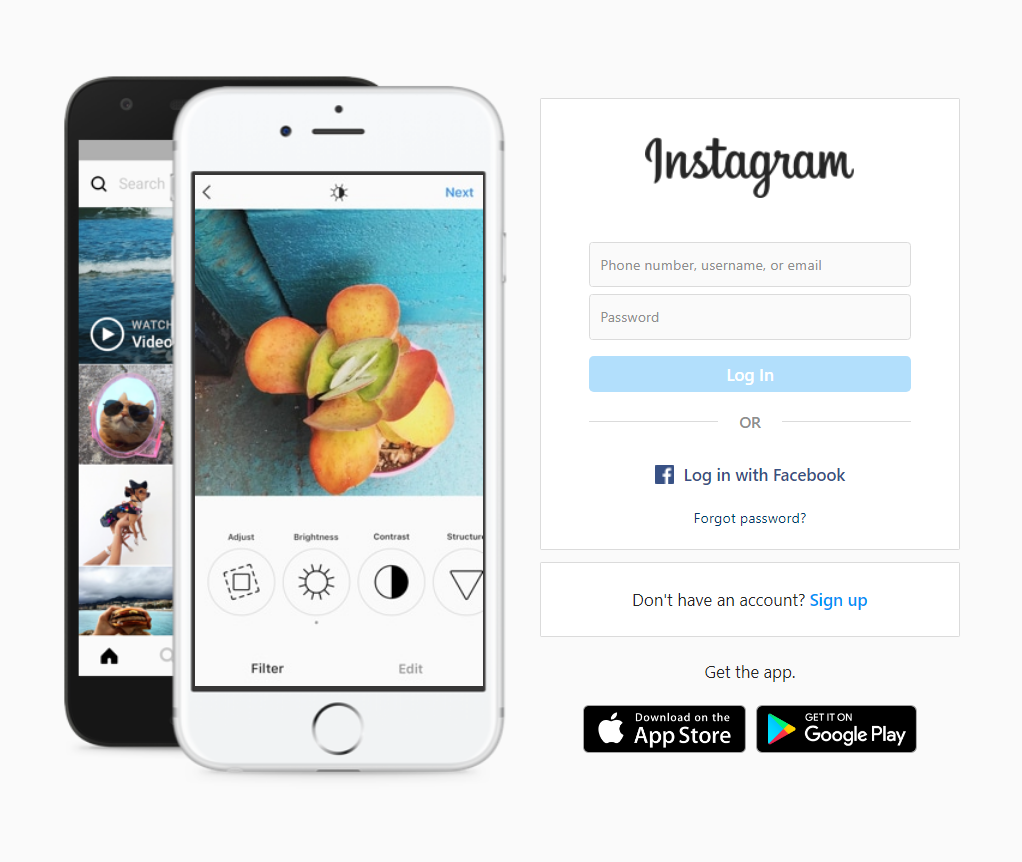
Log in to Instagram
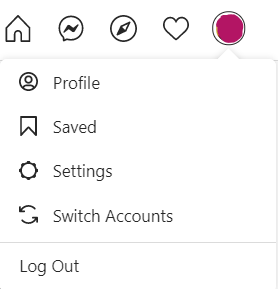
Navigate to settings
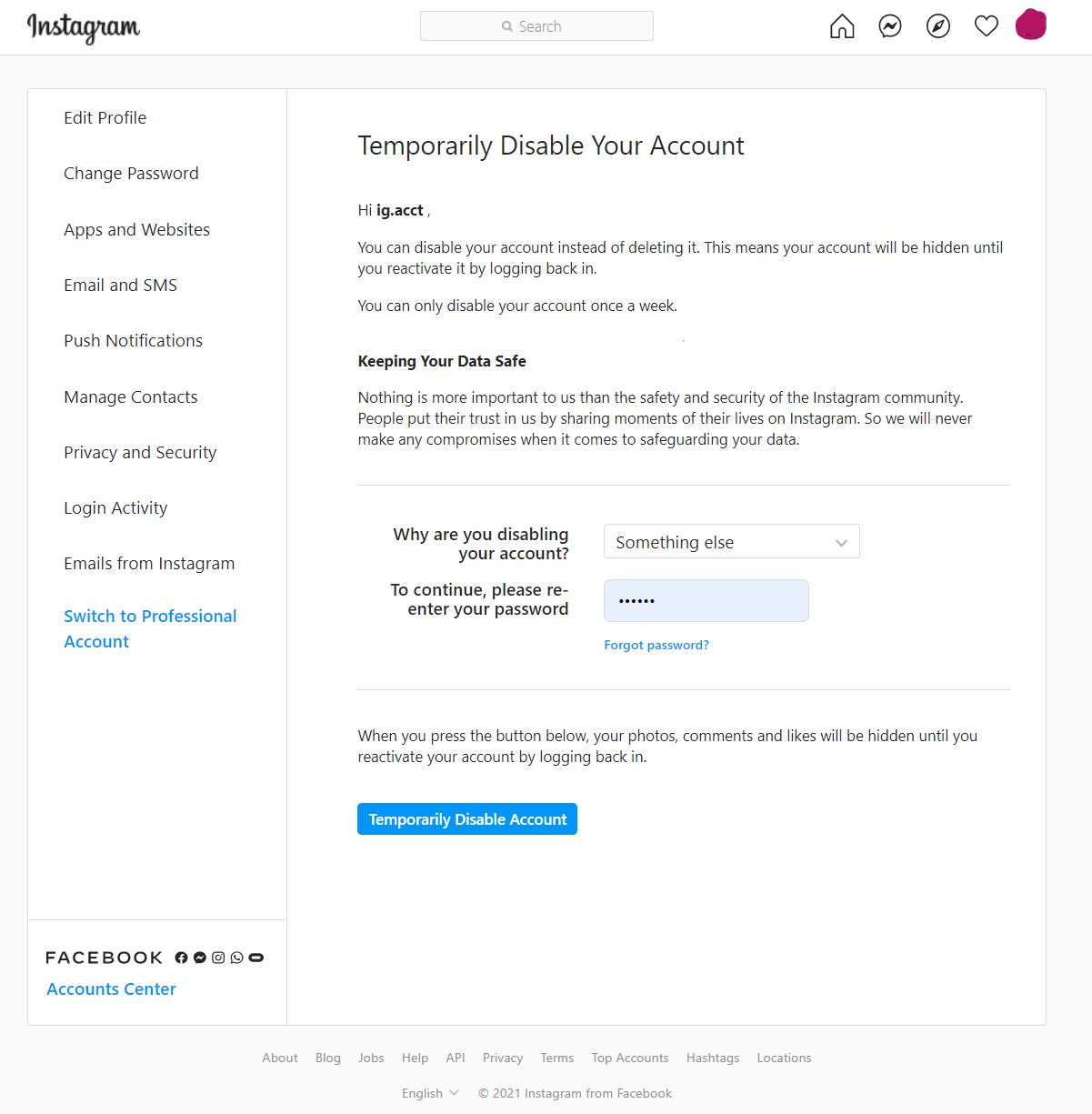
Temporarily disable my account
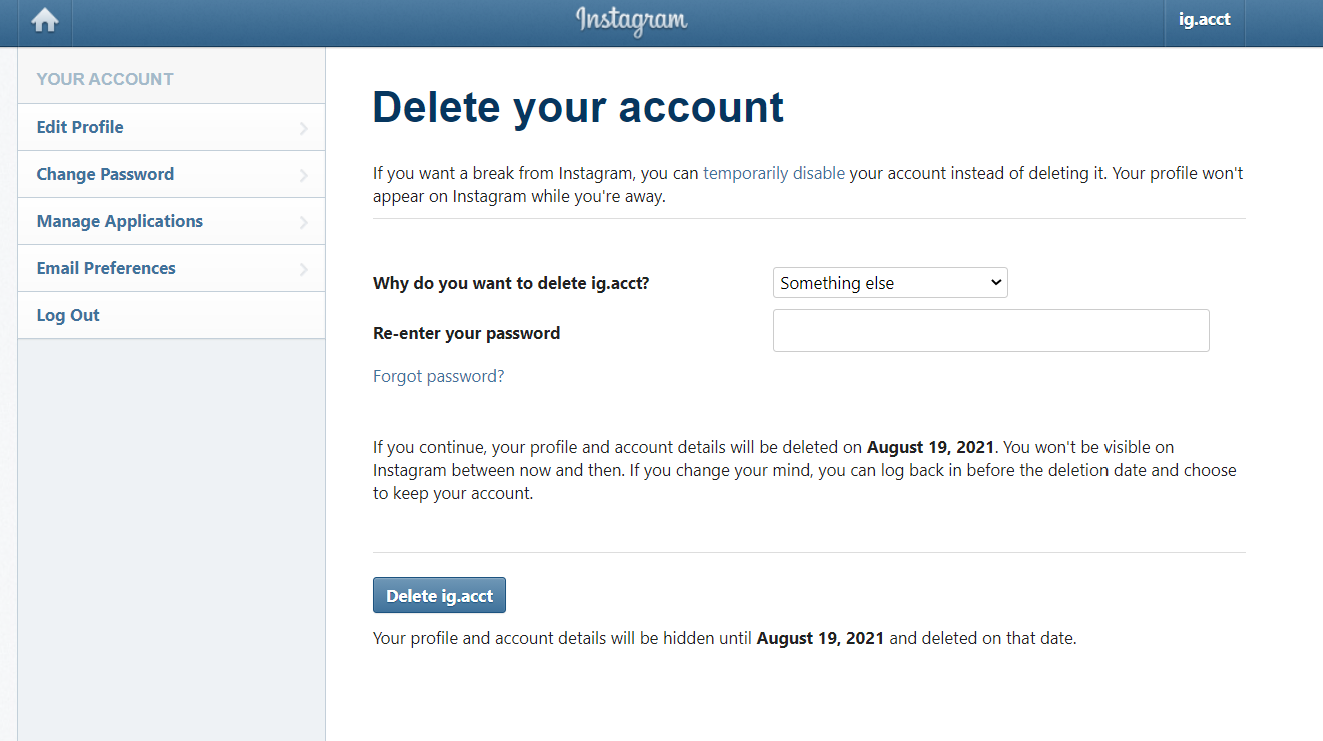
Delete your Instagram account
Deleting an Instagram account on iPhone app
Deleting or temporarily disabling an Instagram account on the app is not as direct-forward as using a web browser. This method eventually lands you to a web link on the app where you can delete or temporarily disable an Instagram account. Here are direct links to temporarily disable an Instagram account or permanently delete it.
How to permanently delete or temporarily disable an Instagram account on an iPhone.
Open Instagram app
Open the Instagram app then tap on your profile. Tap on the hamburger menu to reveal settings and other pages.u003cbru003eu003cbru003eu003cimg src=u0022https://www.ourphonestoday.com/wp-content/uploads/2021/07/1-586×1024.jpegu0022u003e
Settings
Tap on the settings section to reveal settings page.u003cbru003eu003cimg src=u0022https://www.ourphonestoday.com/wp-content/uploads/2021/07/2-698×1024.jpegu0022u003e
Help
Tap on Help to reveal more help optionsu003cbru003eu003cimg src=u0022https://www.ourphonestoday.com/wp-content/uploads/2021/07/3-595×1024.jpegu0022u003e
Help Centre
Tap on Help Centre to visit help centre pageu003cbru003eu003cimg src=u0022https://www.ourphonestoday.com/wp-content/uploads/2021/07/4-592×1024.jpegu0022u003e
Manage Your Account
Tap on u003cstrongu003eManage Your Accountu003c/strongu003e link to reveal more account management options.u003cbru003eu003cimg src=u0022https://www.ourphonestoday.com/wp-content/uploads/2021/07/5-592×1024.jpegu0022u003e
Delete Account Option search
Search for account deletion optionu003cbru003eu003cimg src=u0022https://www.ourphonestoday.com/wp-content/uploads/2021/07/6-592×1024.jpegu0022u003e
Delete Your Instagram Account
Scroll down to a link where you can easily delete our Instagram account. This is the same link tou003ca href=u0022https://www.instagram.com/accounts/remove/request/permanent/u0022 target=u0022_blanku0022u003e permanently delete your Instagram accountu003c/au003e.u003cbru003eu003cbru003eu003cimg src=u0022https://www.ourphonestoday.com/wp-content/uploads/2021/07/7-589×1024.jpegu0022u003e
As you can see from the steps above, it is way easier to visit Instagram’s accounts management section with a browser of your choice to temporarily disable an Instagram account or permanently delete it.